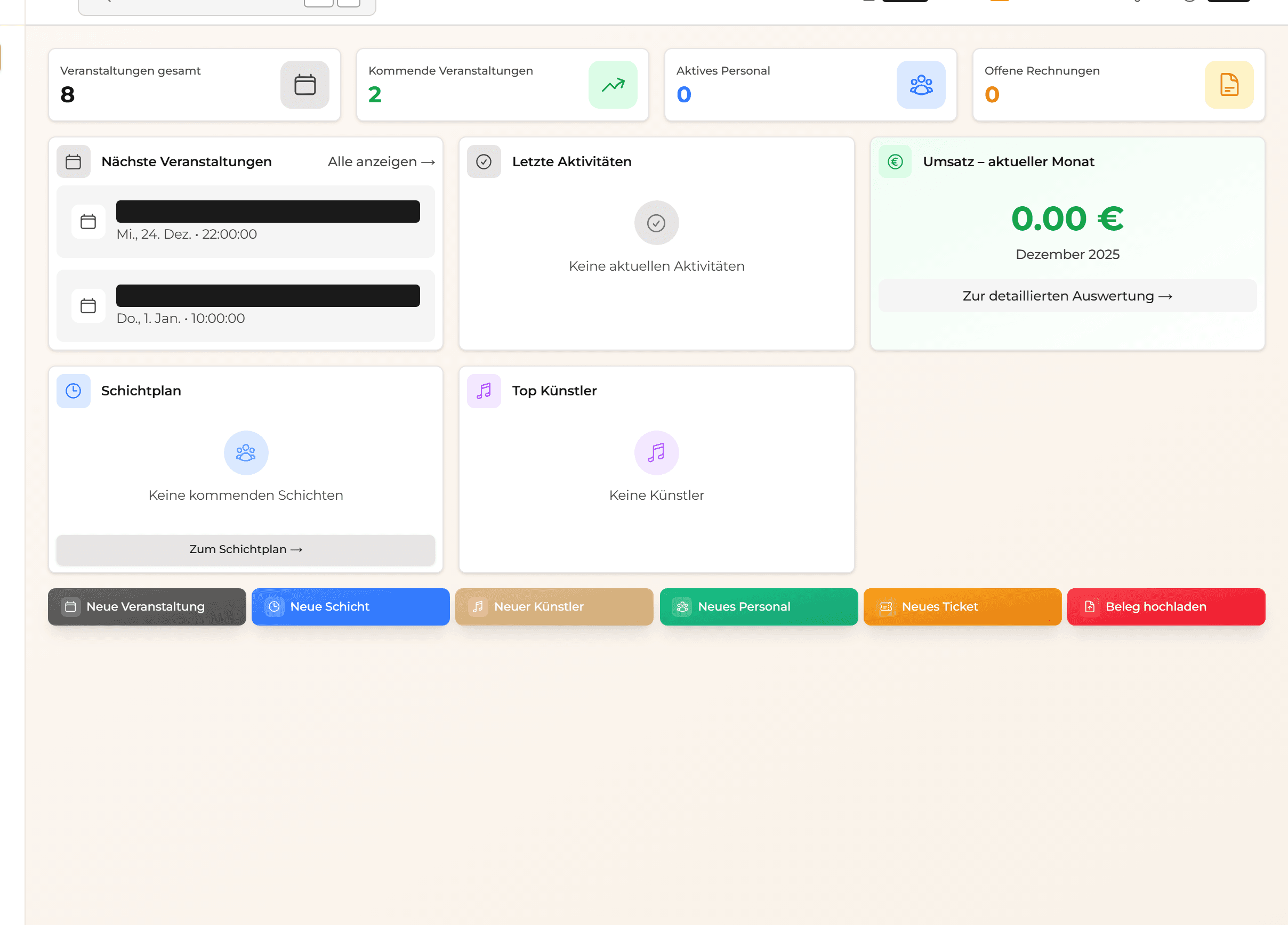
VenMan is the all-in-one platform for professional event and venue management. This guide shows you how to get started in just a few minutes.
Understanding the Dashboard
After logging in, you land on your personal dashboard. Here you can see at a glance:
- Upcoming Events - Your next events with status and date
- Open Tasks - Tasks that need your attention
- Team Activity - What your colleagues are doing
- Quick Actions - Fast access to common actions
Navigation
The sidebar on the left is your main menu:
- Events - Plan and manage your events
- Shifts - Staff scheduling and rosters
- Staff - Manage your team
- Workflows - Set up automations
- Finance - Settlements and accounting
- Equipment - Tech and inventory
- Settings - Configuration and integrations
Tip: Use
Cmd/Ctrl + K to open quick search.
First Steps
- Invite Your Team - Go to Settings → Team
- Create Your First Event - Click "New Event"
- Assign Staff - Plan shifts for your event
- Set Up Workflows - Automate recurring tasks